Using the AceStudio to Download Featured Playlists
Login to "My Account"
To download new hold messages via the AceStudio, you must first log into our website: https://acemybrand.com/my-account.
If you do not know your password, click "Lost your password?" underneath the login button: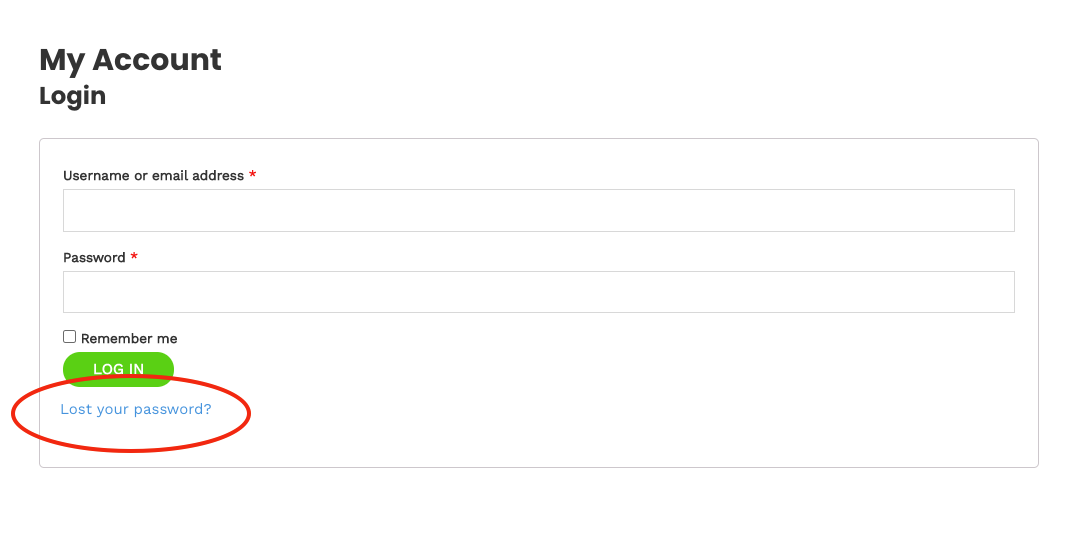
Access the AceStudio
Click the "AceStudio" link near the top-right side of the page:
Choose Your Featured Playlist
Next, pick the playlist you'd like to download. In this case, we want to pick the Allstate playlist for September:
Modify/Download the Playlist
Within the playlist, you are able to modify messages and music as you see fit. However, in most cases, we recommend leaving the monthly playlist messaging as-is. These playlist are hand-curated to coincide with recommended products for each month, and the playlist is approved by the Allstate Home Office.
To create your download, click the "DOWNLOAD" button:
Save the Playlist to Your Computer
A download prompt should appear. Choose a location to save the file and click the "Save" button:

If a download prompt does not appear, your browser is likely configured to automatically download files.
Check your "Download" folder to find the downloaded file.
Next, upload the file to your Ace Media hardware or your VoIP phone system. Instructions for a handful of the most popular VoIP portals are available on our knowledge-base site: https://support.acemybrand.com/portal/en/kb/ace-media/technical-support/voip-phone-systems.
You may also reach out to us for assistance at any time! Use the chat box at the bottom-right hand corner of this page, or give us a call at 800-892-9179.